
General operational information only. Payer, state, contractual and regulatory requirements vary. Confirm current requirements with the applicable payer or agency.
Quick answer
What practice leaders need to know
Before opening a PECOS application, identify the exact Medicare enrollment action, applicant type, billing entity, service locations and reassignment relationships. Prepare the legal, ownership, banking and supporting records first. Submission is only the midpoint. The practice must monitor Medicare Administrative Contractor requests until the enrollment and effective date are confirmed.
Before opening PECOS
Check application readiness
Use this short gate before submission. It will not replace the current CMS application instructions for your provider or supplier type.
For physicians and eligible non-physician practitioners. Reassignment activity is now handled through the applicable individual enrollment process in PECOS.
Source verification
Check the rule beside the guidance.
CMS uses different enrollment pathways for individual practitioners, groups and clinics, institutions, ordering-only practitioners and DMEPOS suppliers.
Verify with CMS Enrollment ApplicationsPECOS supports online document upload, electronic signatures and application submission, but the applicable contractor still reviews the enrollment.
Verify with CMS PECOSStart with the enrollment action
PECOS supports initial enrollment, certain changes of information, reassignment activity, revalidation and other Medicare enrollment actions. Define the exact action before entering the application. An individual enrolling for the first time has a different task from a group adding a provider or an enrolled organization reporting a new location.
Confirm identity and access
The appropriate individual needs access through the CMS identity system and the legal authority to complete or sign the application. Practices should identify the authorized official, delegated official and individual provider responsibilities before submission. Shared or informal portal access creates both security and continuity problems.
Prepare the supporting record
Review the legal business name, tax information, NPI, practice locations, ownership and managing control information, licenses, adverse-action disclosures, banking details and supporting documents that apply. The required information changes by provider or supplier type, so use the PECOS prompts and current CMS instructions rather than a universal checklist alone.
Understand reassignment and group relationships
A clinician's individual Medicare enrollment and a reassignment of benefits to an organization are related but separate concepts. Confirm which organization will bill, which clinician will render services and whether the necessary reassignment is active. A group enrollment does not automatically connect every individual provider.
Track the application after submission
Save the submission confirmation, application tracking information and copies of supporting documents. Monitor requests from the Medicare Administrative Contractor and respond within the stated time. The tracker should show the application type, submission date, current status, open request, responsible person and next follow-up date.
Choose the application path carefully
PECOS translates the applicant's selections into the applicable CMS-855 enrollment pathway. Individual practitioners, groups, clinics and other suppliers do not all follow the same route. A clinician may need an individual enrollment plus a reassignment to the organization that will receive Medicare payment. An existing group adding a provider is different from a new organization enrolling for the first time. Review the current CMS enrollment application guidance for the exact provider or supplier type.
Approval does not finish billing readiness
After approval, verify the Medicare effective date, reassignment relationship, practice location and billing information. Then confirm claim submission, remittance and payment setup. A practice should not schedule Medicare-dependent revenue around an estimated approval date or assume that a clinician can bill through a group simply because both appear separately in PECOS.
Common delays are preventable
Applications often slow down because the legal name or tax record does not match, ownership information is incomplete, a location is missing, a supporting document is outdated or a development request is not answered on time. A pre-submission review should compare PECOS data with NPPES, licenses, IRS records, banking documentation and the practice's actual operating structure.
Respond to development requests as a controlled workflow
CMS explains that Medicare Administrative Contractors review applications for completeness and may request more information. Route every request to a named owner on the day it arrives. Record the requested item, response deadline, source document, signer and proof of upload. Before responding, confirm that the new material matches the rest of the application. A rushed answer can solve one question while creating another inconsistency. Continue monitoring PECOS after the response until the contractor confirms that no further action is open.
Plan the handoff from approval to first claim
The approval letter should trigger a billing-readiness review, not simply close the credentialing task. Confirm the effective date, billing and rendering NPIs, reassignment, approved locations and any restrictions stated in the notice. Then verify EDI, ERA and EFT enrollment and submit a controlled first claim when appropriate. Track its acknowledgement and remittance. This handoff shows whether the approved enrollment record is connected correctly to the practice's clearinghouse, billing system and bank account.
Protect the effective date while the application is pending
Do not promise a Medicare billing start date based only on the submission date. Keep the planned service date, application filing evidence and requested effective date visible to operations, but wait for the contractor's determination before treating it as final. If services are furnished while enrollment is pending, the practice should understand the financial and patient-communication risk and obtain advice appropriate to its situation. Once approved, compare the letter with the claim dates being held and release only claims that fit the confirmed enrollment and filing requirements.
Match the applicant to the correct CMS-855 pathway
Physicians and eligible non-physician practitioners generally use the individual enrollment pathway associated with CMS-855I. Clinics, group practices and certain other suppliers generally use CMS-855B. Reassignment activity for an individual practitioner is handled with the applicable individual enrollment process in PECOS, and CMS has consolidated the former paper CMS-855R functions into CMS-855I. Institutional, ordering-only and DMEPOS applicants follow other pathways. Use the current PECOS questions and CMS instructions because choosing the wrong applicant type can send the practice into an avoidable correction cycle.
Banking information needs both accuracy and control
Medicare enrollment, revalidation or certain changes may require EFT information and supporting banking documentation. Confirm that the legal name on the bank record matches the applicant as required, the account is approved for practice receipts and the uploaded check or bank letter is current. Limit access to banking documents and independently verify any requested change. After approval, reconcile the first Medicare deposit with its remittance instead of assuming that a completed enrollment automatically proves the EFT path is correct.
A 30-day response window can become the critical path
CMS guidance explains that the contractor may request additional information and that an incomplete response can lead to rejection or other adverse action. Log the request on receipt, assign the document and signer, perform a consistency review and submit through the required channel before the deadline. If the request is unclear, contact the contractor early enough to obtain clarification. The practice should preserve the request, response and confirmation together so another staff member can continue the application without reconstructing the history from email.
Use the correct practice locations and ownership record
List and classify locations according to the applicant type and current CMS instructions, including where services are furnished and where records or administrative activity occur when applicable. Compare addresses with NPPES, licenses, leases and existing enrollment records. Ownership and managing-control disclosures must reflect the actual organization and responsible individuals, not only the person completing the form. When the structure is complex or changing, obtain qualified legal and enrollment guidance before submission. An accurate source chart reduces development requests and makes later revalidation easier.
Keep signatures and certification statements controlled
Identify the individual who is permitted to sign or certify the Medicare action and verify that person's role before the application reaches its final step. Do not ask staff or vendors to attest under another person's identity or to accept statements they have not reviewed. Provide the authorized signer with the completed application, material disclosures and supporting file in time for a meaningful review. Retain the certification and submission confirmation with the application record. Proper signer planning prevents last-minute access problems and protects the integrity of the enrollment.
Track fingerprints, site visits or screening when applicable
CMS screening requirements vary by provider or supplier category and risk level. An application may involve background information, fingerprinting, a site visit or other verification that is not controlled by the ordinary document checklist. Watch for official instructions from CMS or the Medicare Administrative Contractor and route them promptly to the responsible person. Confirm the request through an authoritative channel before sharing information or allowing access. Record the completion evidence and keep the application open until the contractor confirms its review rather than assuming that submission of the screening item guarantees approval.
Report application status without promising a payer timeline
Leadership updates should distinguish practice preparation, submitted, contractor development, external screening, approved and billing-ready stages. Include the filing date, last verified event, open dependency, response deadline and next action. Avoid representing an estimate as a guaranteed approval date because contractor review and additional requests are outside the practice's control. If scheduling or hiring decisions depend on Medicare participation, show the operational risk separately and maintain a contingency plan. Clear stage reporting is more useful than a single percentage complete.
Maintain the enrollment after the first payment
Once Medicare claims are paying, keep the enrollment record aligned with changes in location, ownership, legal name, banking, adverse actions and provider relationships under the applicable reporting rules. Monitor revalidation notices and the CMS revalidation list. Review portal contacts and authorized access at least periodically so future requests do not go to a former employee. Reconcile material changes across NPPES, PECOS, claims, ERA and EFT. Enrollment maintenance is a continuing compliance and revenue-cycle responsibility, not a file that can be archived permanently after initial approval.
Working reference
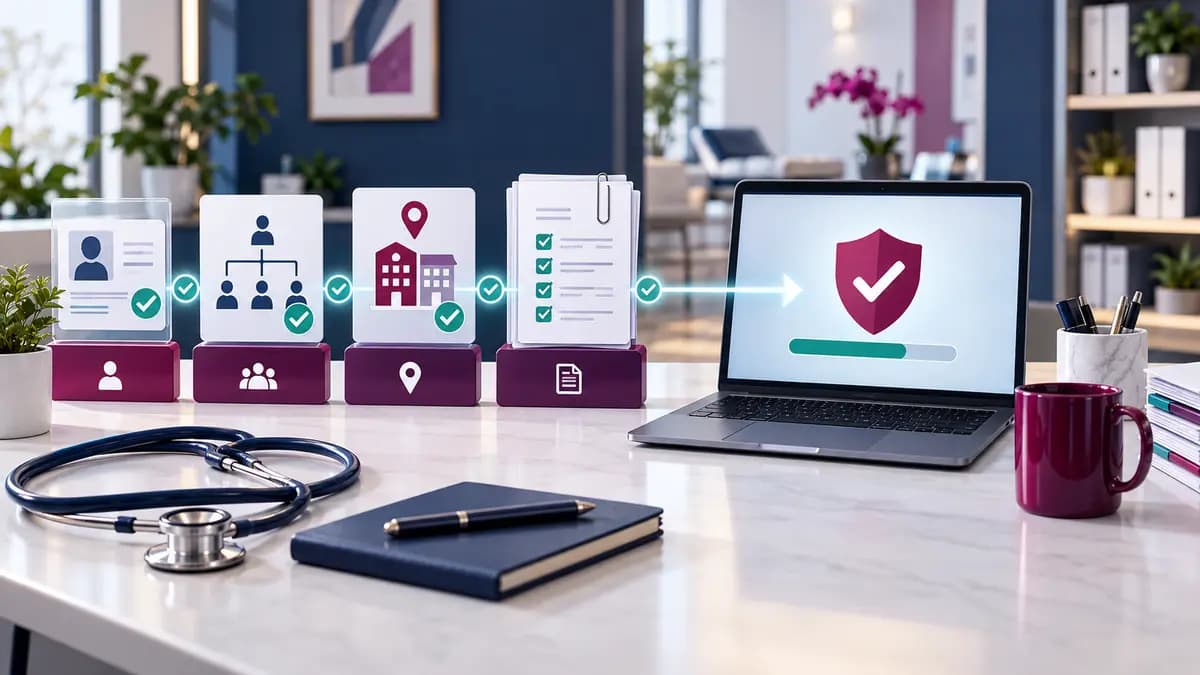
PECOS enrollment readiness workflow
Assign an owner and retain evidence at every stage. The exact documents and application path depend on provider or supplier type.
| Stage | Decision or evidence needed | Completion proof |
|---|---|---|
| 1. Define the action | Initial enrollment, change, revalidation, reactivation or reassignment | Written scope and applicant list |
| 2. Validate the record | NPI, legal name, tax data, locations, licenses, ownership and banking | Reviewed source-document file |
| 3. Confirm access | Authorized or delegated official and individual practitioner responsibilities | Verified CMS identity access |
| 4. Submit | Correct PECOS pathway, signatures and required supporting documents | Submission confirmation and tracking ID |
| 5. Respond | Medicare Administrative Contractor requests and deadlines | Dated response and uploaded evidence |
| 6. Verify readiness | Approval, effective date, reassignment, location and electronic billing setup | Approval record and billing test |
Free working resource
PECOS Enrollment Readiness Tracker
Assign ownership and retain evidence from enrollment scoping through the first billing-readiness check.
- Built for a practice operations team
- Editable in Excel or Google Sheets
- Do not enter patient information or PHI
Common questions
Questions practice teams ask
Is PECOS the same as an NPI application?
No. NPPES issues the NPI. PECOS uses provider and organization information to process Medicare enrollment actions.
Does a group enrollment automatically include every clinician?
No. Each eligible clinician and the required reassignment or affiliation must be addressed under the applicable Medicare enrollment process.
Can a practice submit before every document is ready?
That can create avoidable requests and delays. Prepare the current documents identified by PECOS and the applicable CMS instructions before submission.
Who reviews the application?
The applicable Medicare Administrative Contractor processes the enrollment and may request clarification or additional documentation.
Can the practice bill Medicare immediately after submission?
No. Confirm approval, effective date and the correct billing relationship before relying on Medicare reimbursement.
Primary references
Sources and further reading
Requirements can change. Use these primary sources to confirm the current rule that applies to the payer, service and date of care.
Ready to turn this guidance into action?
Tell us what is happening in your practice, and we will help you identify the most useful next step.